Start with the three labels in the UI
After the connection switch is on, Shadowrocket still has to decide: each request goes out direct, or to the selected node. That decision lives in routing (some versions call it Global Routing). There are usually three options:
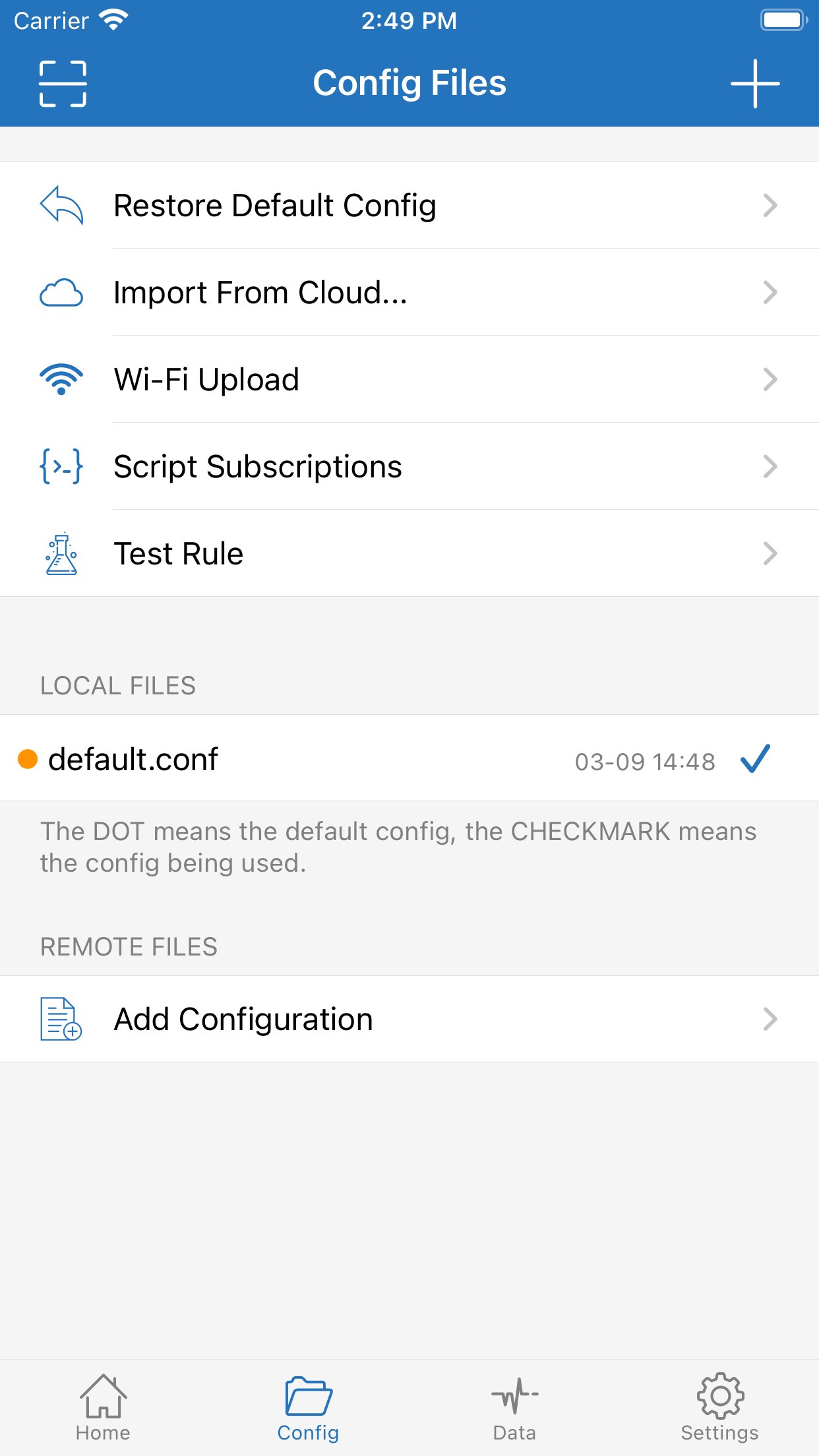
| Label in the app | What it actually does | When to use it |
|---|---|---|
| Config / Rule / Configuration | Match the rule file top to bottom: DIRECT stays local, PROXY goes to the node | Daily use |
| Proxy / Global | Send as much traffic as possible to the current node | Short checks, not all day |
| Direct | Proxy is idle; requests use the phone’s own network | Check whether local apps recover after you turn proxy off |
None of these options change the nodes you already imported, or which Apple ID is signed into the App Store. They only change how traffic is split. Treating global as “faster acceleration” is how a string of misreads starts.
Why daily use should stay on rule mode
Rule mode follows the rule file. Banking, maps, some Apple services, and other traffic that should stay local can be DIRECT; only hostnames that need the node go PROXY. Those visits then skip the extra hop, so latency and captchas stay more stable.
Rules match from top to bottom. The first hit wins; later lines are ignored. Put more specific domains first, and keep the fallback FINAL last. If FINAL is PROXY, unmatched names go to the node; if it is DIRECT, unmatched names stay local. Reverse that and you get “the ones that should proxy don’t, and everything else does.”
You do not have to write rules from scratch. A subscription sometimes ships rules, or you can point the config at a rule list. For DOMAIN-SUFFIX, IP-CIDR, and the rest, see rule-based routing. This page only settles one thing: stay on rules day to day; do not leave global on.
Global mode is for comparison, not for leaving on
Global mode sends as much as it can to the current node. Traffic that should have stayed local takes the extra hop too. Video, cloud drives, and banking apps get slower, captchas fail, location drifts. That is not a “stronger” node. The path got longer.
The legitimate use is troubleshooting. If the target site fails in rule mode, switch to global for a minute:
- Global works, rules do not: the node and network are mostly fine. The rule marked this domain DIRECT, or never mentioned it. Fix the rule. Do not switch servers first.
- Neither global nor rules work: more likely a dead node, an expired subscription, or the current network cannot reach that server. Change nodes or check the subscription before editing a rule.
- Global still fails, but Data shows Proxy climbing: requests are leaving. The problem is the node’s exit or the site itself.
When the check is done, switch back to rules. Do not make global the default unless you know what you are doing and accept that local traffic will all detour through the node.
Direct is a control, not a third “speed-up”
Direct means this VPN path is not proxying. The status bar may still show an icon, but requests skip the node. Use it to answer one question: after you stop proxying, do local apps recover immediately? If Direct is fine and rule mode is slow for those apps, rules or global are sending them to PROXY.
Some people turn the switch on, leave routing on Direct, then complain that “connecting does nothing.” Check the routing setting before the node. The switch and routing are two separate controls.
Common misreads
“A faster node” will not fix local apps getting slow. If everyday apps are slow and Data shows high Proxy, check whether global is on before you run more latency tests. Tests only compare the hop to the node. They do not tell you whether local names were sent through the proxy by mistake.
“Rules are broken, so global is better.” Global working only means the node still works. Rules need care: add domains, put FINAL in the right place, keep banking off PROXY. Living on global is using a detour to hide a bad rule.
“Global still fails, so the app is broken.” First confirm the list actually has nodes, the subscription was updated, and the system VPN prompt was allowed. If the list is still empty after save, see empty list after saving a subscription. How to read the counters: Direct and Proxy in Data. Full steps: connection troubleshooting and the tutorial.
How this page fits the rest of the site
This page only covers what the three routing settings are for. Rule syntax, subscription updates, and reading Data counters live on their own pages, so you are not turning every knob in one article. Keep rule mode on day to day; when a site fails, compare once with global. The answer is usually clearer.
If the client is not installed yet, use the App Store. Do not download packages from websites. Buying the app and switching store accounts are on the download page, and they have nothing to do with in-app routing: no routing change replaces a genuine install.
Before you change routing, confirm the list already has a node you can tap. With no nodes, neither rule mode nor global has an exit, and it looks like “the mode is broken.” Finish import and update first, then talk about splitting traffic. Latency tests only compare the round trip to the node. They cannot tell you whether a local domain was misclassified; that takes a rule hit plus whether Proxy in Data rises when it should not.
The same rule file can use slightly different keywords across subscriptions or app versions. Back up the current config before you edit, then verify one target site after the change. Do not paste an untrusted full rule set and flip to global at the same time. If it breaks, you will have nothing to roll back to.
Work email, banking, and government apps are picky about exit IPs. Sent through an overseas node, they often refuse to sign in. Those hostnames should be explicit DIRECT lines, and FINAL PROXY must not swallow them. If you are unsure whether a domain needs the node, open it in rule mode and watch Data: only Direct rising and the app working means keep it direct. If it only works in global and it is not a local-only service, then add a PROXY line.